


AI automations from Stuttgart.Less routine.
Sort enquiries, structure information and prepare content. We start with one recurring task and examine where AI can usefully support the work – including remote projects.
One workflow. Three examples.
Choose an example and see how an input becomes a prepared result – ready for a person to review.
“We would like to redesign our website. A clear overview of our services and a good mobile layout are important to us.”
Project enquiry identified.
- Topic
- Website redesign
- Priorities
- Services & mobile layout
- Next step
- Prepare follow-up questions as a draft
An illustration using fixed example data. No connection to your systems and no data is transmitted.
PREPARE → REVIEW → APPROVEOne less manual step. Every day.
These examples show possible fields of use. Which steps can actually be connected is reviewed against your tools and requirements.
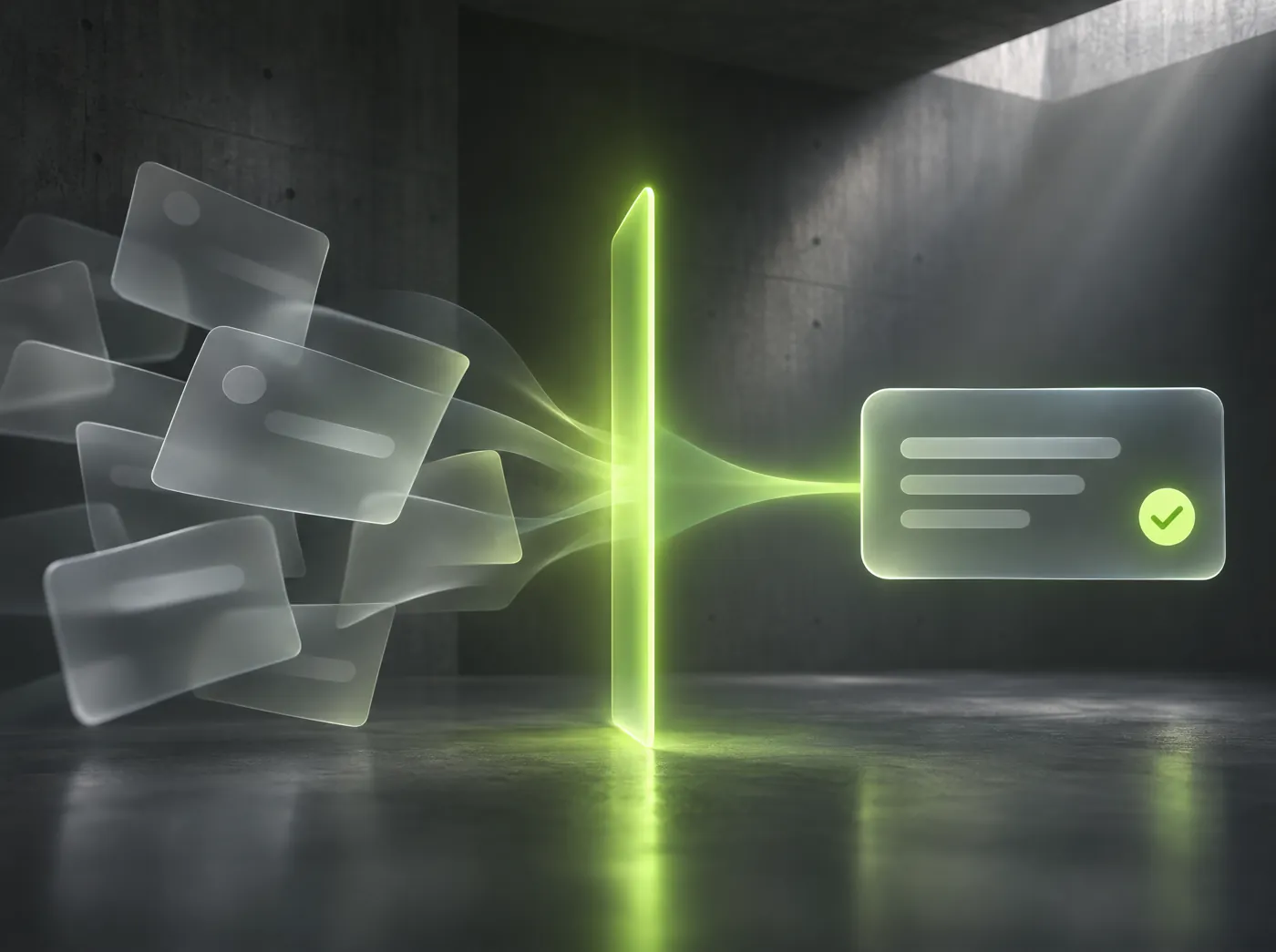
Prepare enquiries
Group messages by topic, summarise the key information and prepare useful follow-up questions as a draft.INPUT → STRUCTURE → DRAFT

Develop content
Use approved source information to prepare first text variants or an editorial outline. You review accuracy, tone and publication.INFORMATION → VARIANTS → REVIEW

Organise information
Bring recurring information from suitable documents into a consistent structure and highlight what is missing.DOCUMENT → OVERVIEW → CHECK
A useful workflow first. The right technology next.
Understand the task
Choose one recurring process and define the result it should produce.
Check feasibility
Review the existing tools, data, interfaces, permissions and running costs.
Build the agreed scope
Develop and test a bounded workflow with suitable example data.
Make it understandable
Agree the review points, approvals and a practical handover guide.
One workflow. A clear first step.
Custom AI automations receive a specific quote after feasibility has been checked. Technical implementation, selected services and any running costs are agreed before work begins.
Discuss an automationPlease describe the task without sending credentials, customer records or confidential documents.
The AI workflow pilot structures one recurring task with a template, review steps and a clear handover guide.
Software integration is not included. Any technical integration is reviewed and quoted separately.
Complete pilot scope
Want to review existing results or tidy up spreadsheets? The AI output check for €399 net and the Excel cleanup pilot for €149 net each have their own clearly limited scope.
You stay in control.
What is the difference between a workflow and an automation?
A workflow describes the steps of a task. An automation connects suitable technical steps so they can run under agreed conditions. The workflow pilot provides planning, a template and guidance; technical integration is a separate scope.
Will messages or content be sent automatically?
A practical first step is preparing drafts for human review. We agree in advance which actions may run automatically and which need approval. The demonstration on this page sends nothing and uses fixed example data.
Which tools can be connected?
That depends on their interfaces, accounts and permissions. Your existing tools are reviewed first. A particular integration or capability is confirmed only after that review.
How are data and running costs handled?
Before implementation, we clarify the data involved, the services processing it and the access required. Any subscriptions or usage-based costs are listed separately. First tests use suitable example data.

What do you have in mind?
A few lines about your idea are enough. We will agree the scope and a clear next step before work begins.
Discuss your project